


Homepage events: from Photoshop to Figma
A Figma variable system and template for the designers who build Amazon's homepage event creatives, plus the internal tools that grew out of it. Cut production turnaround about 60% across 16 production designers.
- 60% less production time per event
- 100+ homepage creatives built on the template
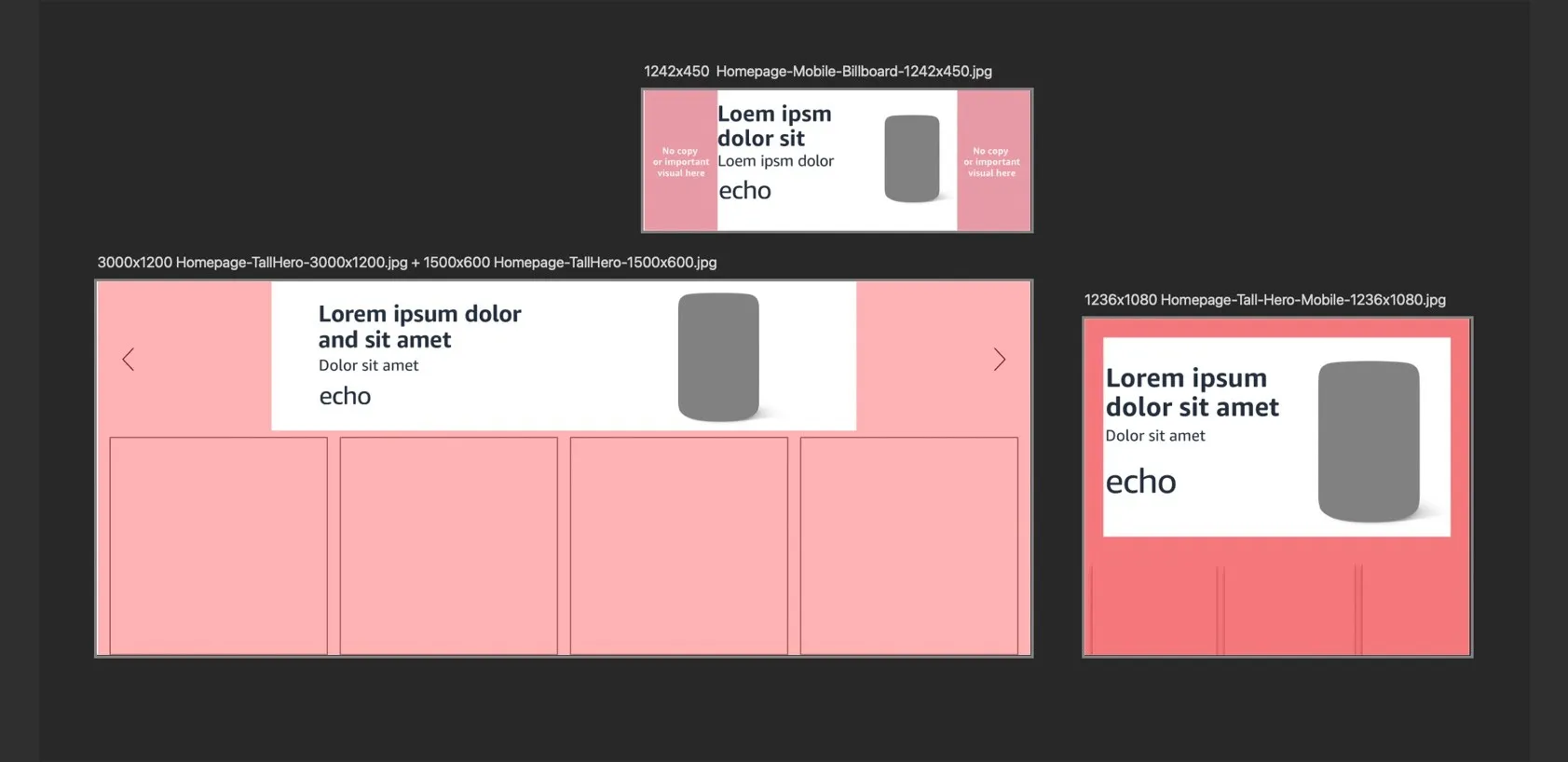
What boxed the work in?
- Every asset was a singular instance in a Photoshop template. No components, no shared source of truth, and no governance for guidelines.
- Non-Figma users. The production designers were Photoshop experts, not Figma users. Anything that required learning Figma composition would fail.
- Every event lived in several files, each of which had to be updated by hand.
What did I bet on?
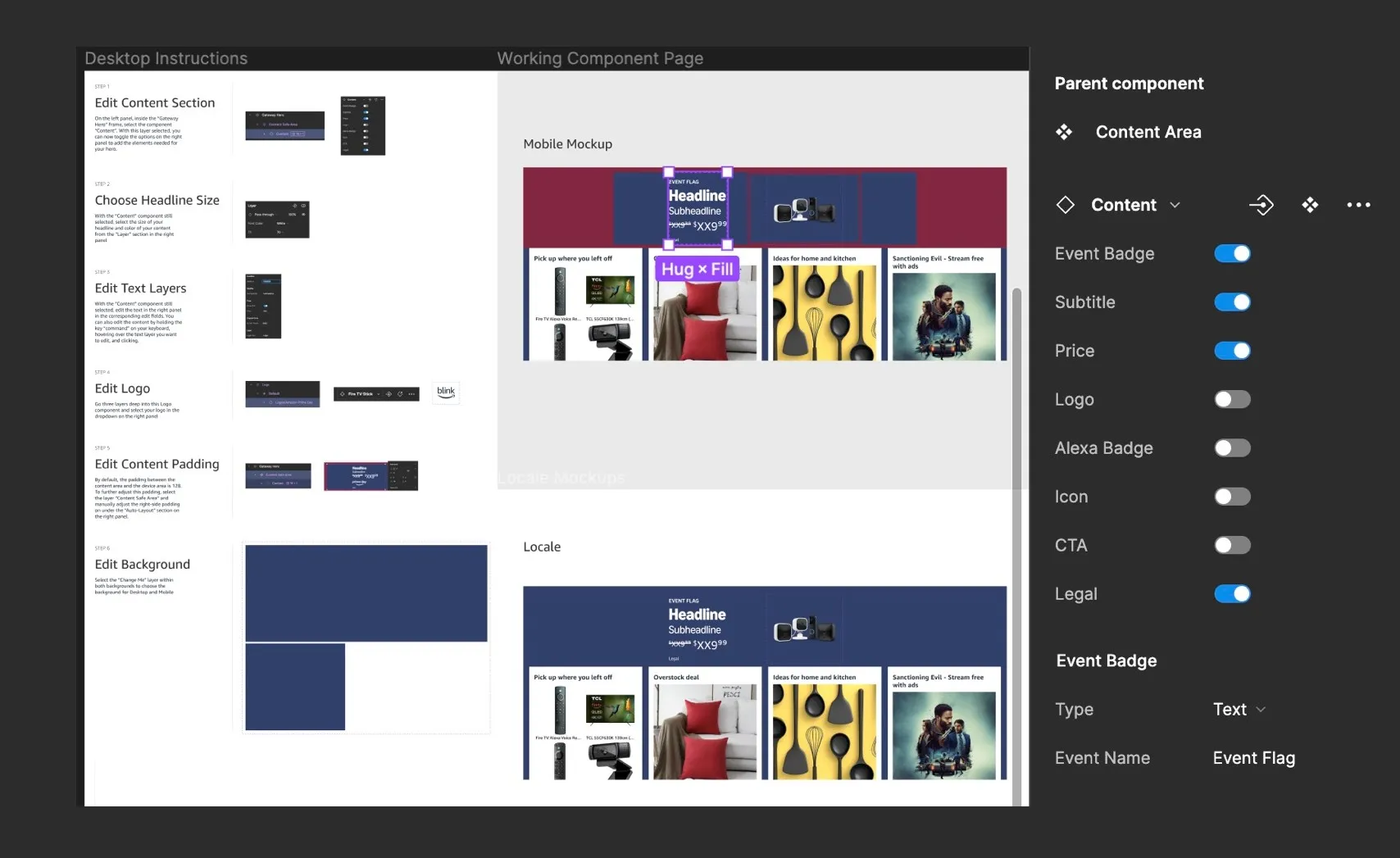
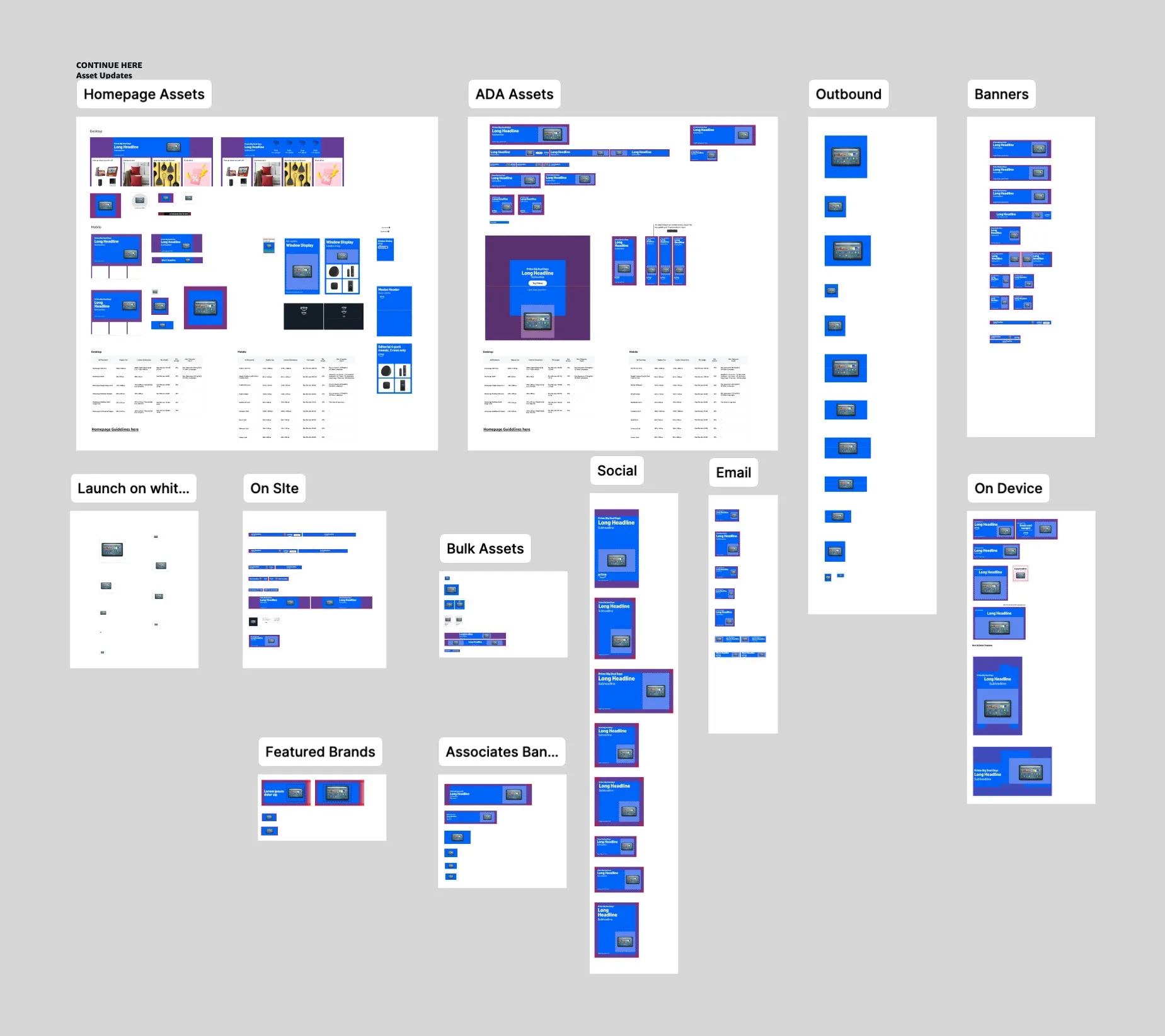
One Figma template, driven by variables, nested components and exposed properties, could collapse the Photoshop and XD files into a single workstream.
How does the template work?
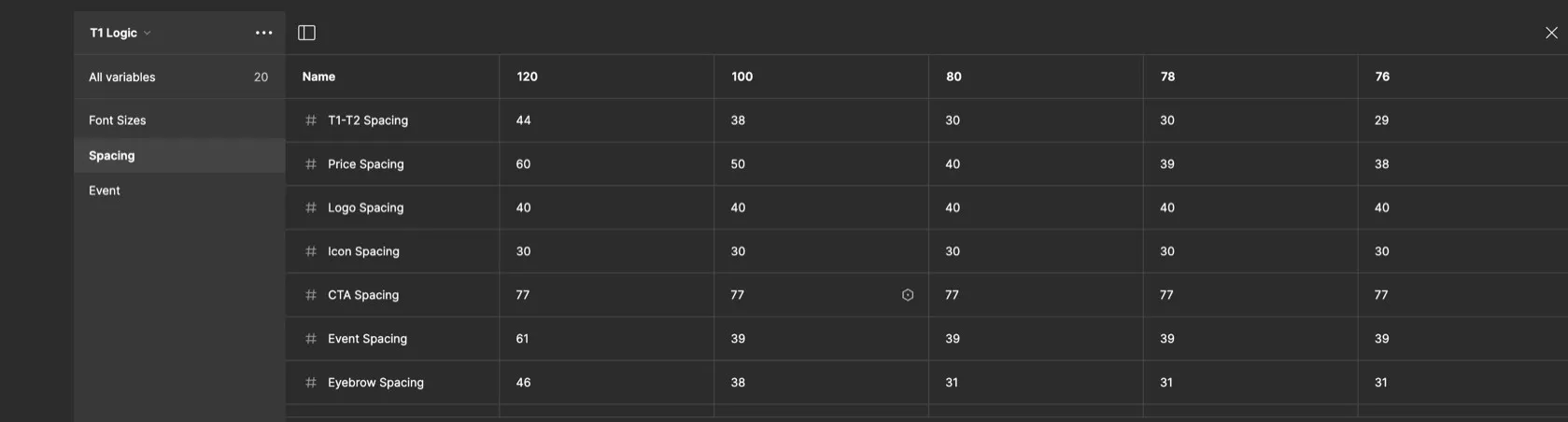
- Variables resize elements, font sizes and padding across all assets
- Nested components allow designers to input all elements for a creative once, and that scales across all assets
- 227 variables and exposed properties cover every case
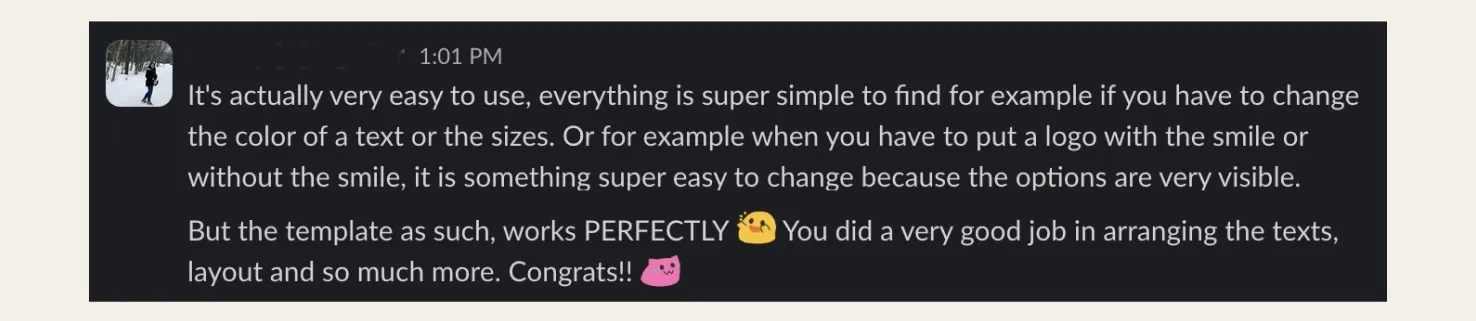

How did non-Figma users end up loving it?
The template asks for a handful of properties and nothing else, so designers who had never worked in Figma could build a creative on day one. I tested it with the production designers, adjusted, and let the tool argue for itself. The first designer to adopt it estimated it halved their production time; once all 16 launched on the template, the measured saving came in at 60%.
Building plugins to fill gaps
Managing our extensive library of Amazon-branded logos was an ongoing task. To streamline how we manage and prep logos to fit into the template, I built a Figma plugin that sets up the auto layout framing, applies variables automatically, and uses OCR to read the vector to automate naming the component. This tedious job that used to be done manually, logo by logo, is now done in a small fraction of the time.
What about the backgrounds?
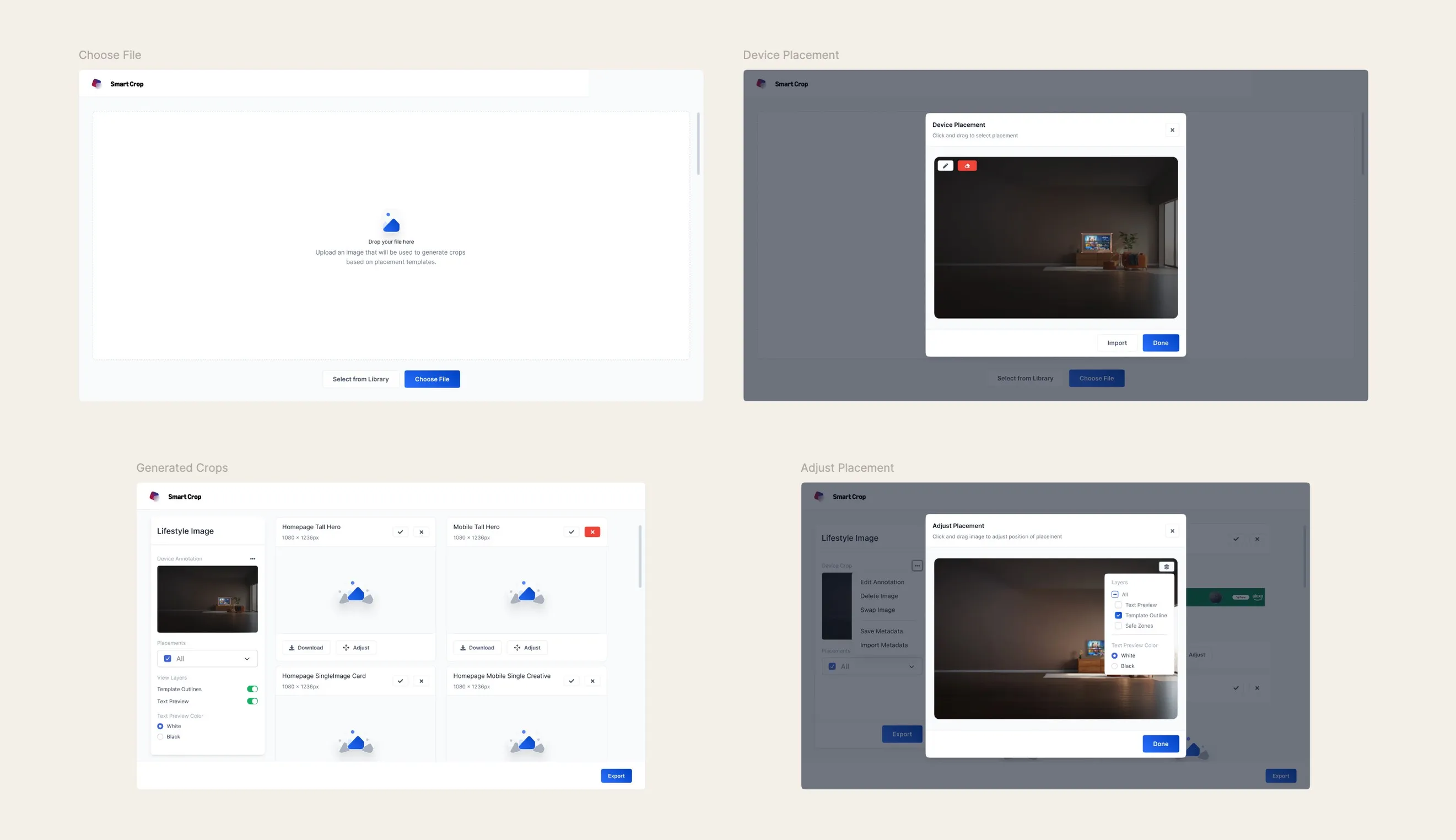
Placing lifestyle image backgrounds across every asset in a template was still manual, repetitive work. Smart Crop was an internal tool built with our engineer that does this task automatically. I designed the UX and UI end to end, across two surfaces: inside Figma for production designers, and a standalone web app for stakeholders who never touch Figma. This workstream saves stakeholders about 5 hours per event.
60% less production time per event, 100+ creatives on the system, and tooling that keeps compounding.
- 60% less production time per event across all 16 production designers
- 100+ homepage creatives built on the template, all reviewed against guidelines
- 227 variables covering every headline, format and value combination
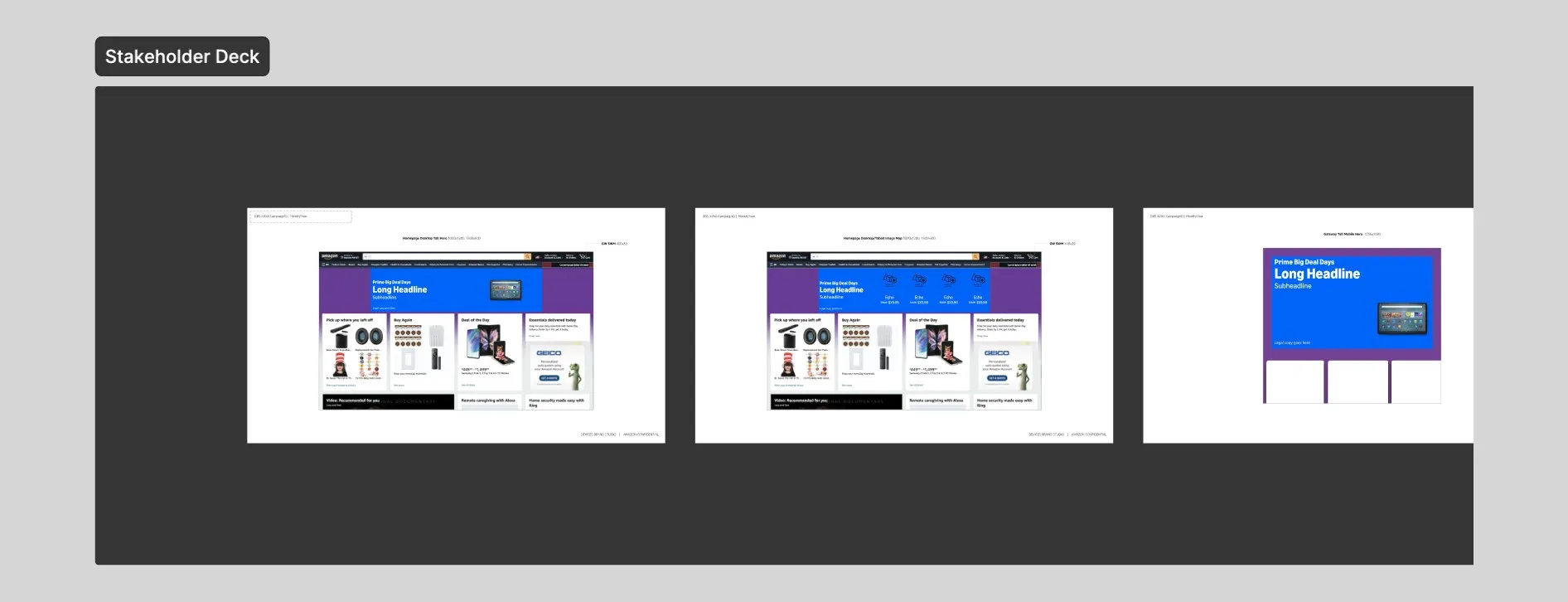
- Sign-off decks built from nested instances stay current automatically; no more manual XD rebuilds
- Smart Crop saves stakeholders about 5 hours per event; AI-assisted logo automation cut systems process time about 90%
What I'd do differentlyMy first instinct was to make the template powerful: cover every case, expose every option, get the system 'right.' Testing with the production designers taught me that power is only half the product; the version that won balanced it with usability, hiding almost everything behind a handful of properties. A design system for non-designers is a product in its own right, and it came together when I approached it with my product design hat, not just my design systems hat.